
ArtCraft Suite: Free Online Editing Tools
Open an image, PDF, video, audio file or document. Edit it in your browser and save a copy to your device. Choose from 12 free tools; no account or installation required.
Find your tool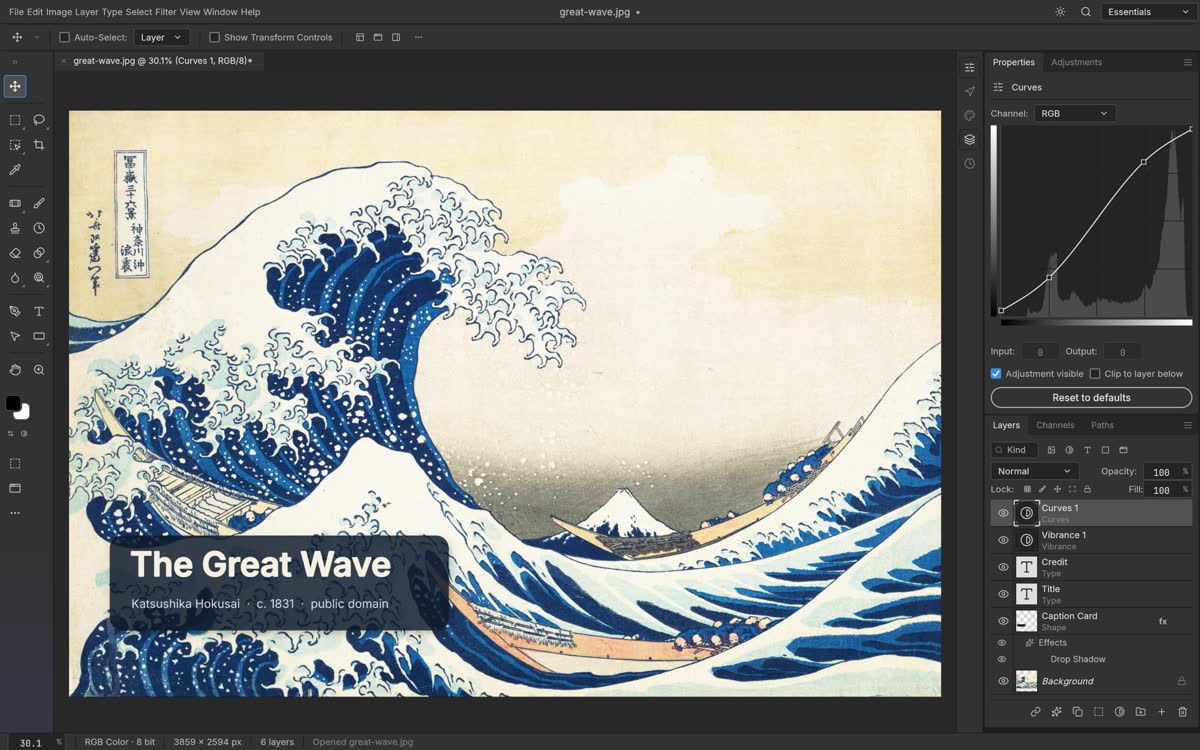





All tools12
Choose by task or file format. Each tool page explains what you can edit, how to save, and the current limits.
Photo & image
PhotoCraftPSD / PNG / JPG / WebPExplore PhotoCraft LightCraftRAW / JPG / TIFFExplore LightCraft
Design & illustration
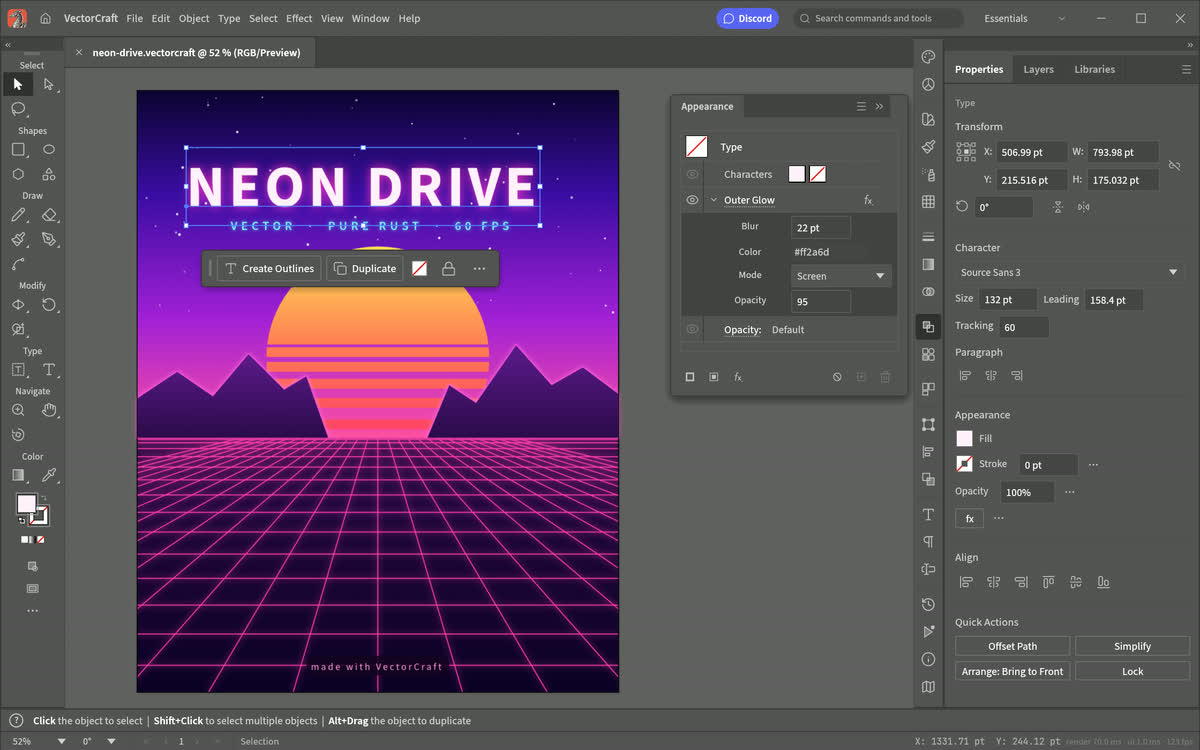
VectorCraftSVG / PDF / EPSExplore VectorCraft DesignCraftPDF / LayoutExplore DesignCraft
 CADCraftCAD / DraftingExplore CADCraft
Video & motion
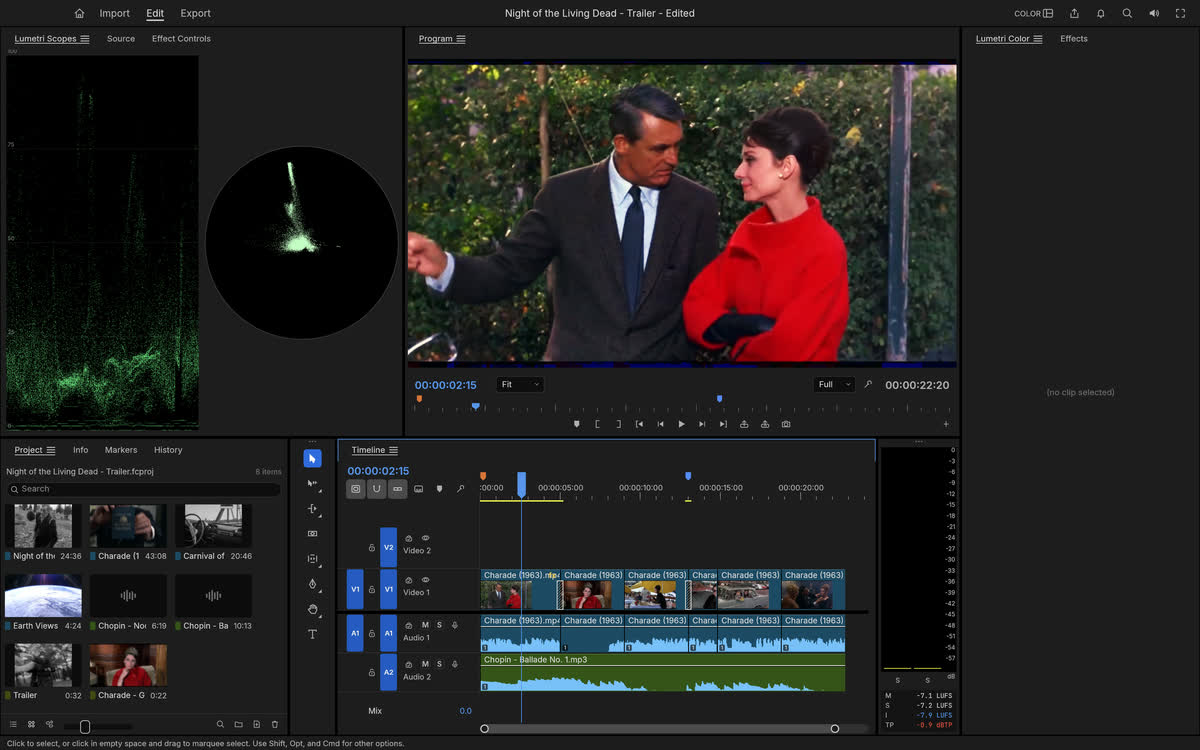
FilmCraftMP4 / MOV / WebMExplore FilmCraft EffectCraftMotion / CompositingExplore EffectCraftIn development



What is Get Artcraft, and how do I use it?
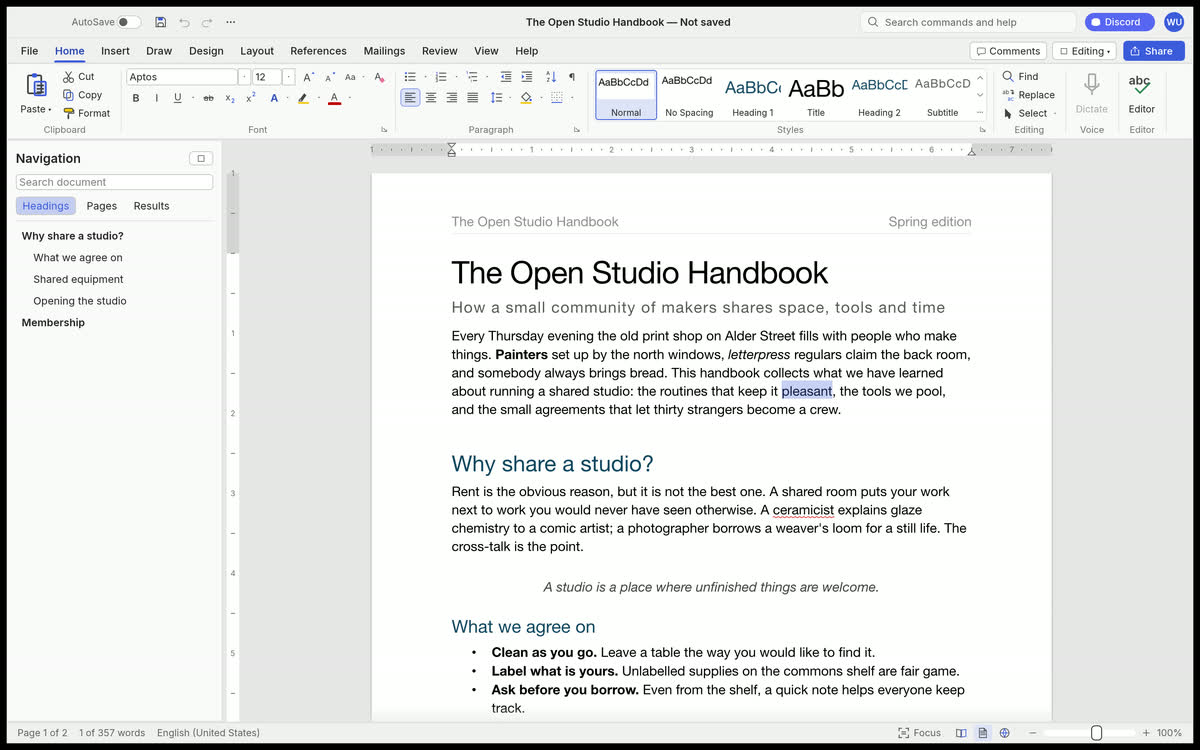
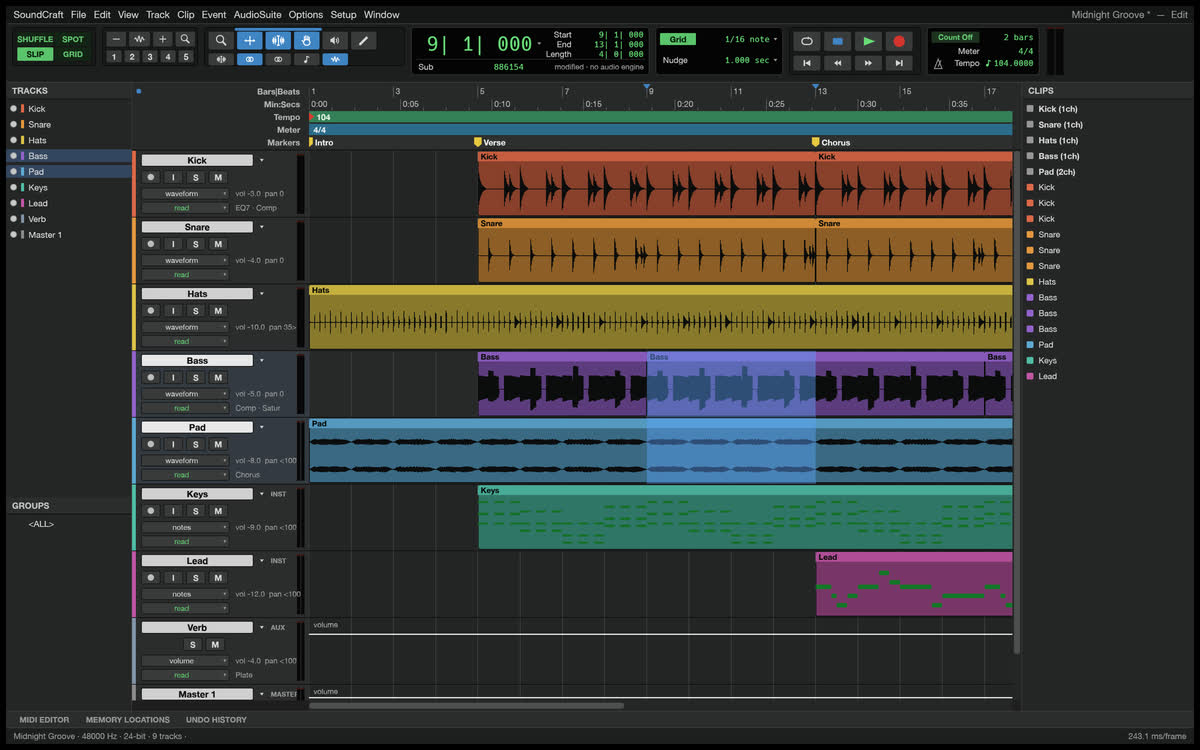
Get Artcraft is an independent website with 12 open-source browser editors for photos, vectors, PDFs, video, RAW images, page layouts, motion graphics, documents, spreadsheets, slides, audio and CAD drawings. The editors are developed by the ArtCraft team at Storytold.
Start in 3 steps: choose a tool, open a copy of your file and edit it, then save or export the result to your device. A desktop browser with a keyboard and mouse is recommended. Each tool page links to its source, hosted release and compatibility notes.
Use these editors for trying a workflow or making an edit you can check. They are early-stage software: file compatibility, export options and graphics support vary. EffectCraft has experimental browser support. Keep originals and verify exported files before sharing them.
Is Get Artcraft free, and how does it work?
Can I use Get Artcraft for free without signing up?
Yes. All 12 editors are currently free to use, with no account, subscription or installation required. AI generation and paid third-party services are not included.
Where are my files saved?
Save or export your files to your own device. The editors process files in your browser, and this site does not provide cloud file storage. Some editors keep local recovery data; that is not a substitute for an exported copy.
Can I use the editors on a phone?
A desktop browser is recommended. Use a browser with WebAssembly and WebGPU or WebGL2 support, plus a keyboard and mouse. You can try opening an editor on a phone, but its controls and graphics may not work on your device.
Is Get Artcraft the official ArtCraft website?
No. Get Artcraft is independently operated and is not affiliated with or endorsed by the ArtCraft team at Storytold. Each tool page provides source, release and license links.